Docs-as-code without the chaos: a practical guide to two-way Git sync
One-way docs-as-code drifts the moment a non-developer edits a page. Here's how two-way, conflict-aware Git sync keeps your repo and your help center honest, and lets engineers and writers work the way each prefers.
Docs-as-code is a great idea with a quiet failure mode. You put your docs in a Git repo, engineers edit Markdown in pull requests, everything is versioned and reviewable, and life is good, until a writer or support teammate needs to fix a typo and can't, because the only way in is a PR they don't know how to open.
So they fix it somewhere else. They edit the published page directly, or paste the correction into a help-desk macro, or just remember to say it differently next time. Now your repo and your published docs disagree, and nobody's sure which one is right.
Multiply that by every small fix over a year and your "single source of truth" quietly becomes two sources that contradict each other.
The root problem is direction
Most "docs-as-code" setups are one-way: the repo is the source of truth and the
published site is a build artifact. Push to main, a pipeline runs, the site updates.
Clean and deterministic, for engineers.
For everyone else it's a wall. A one-way pipeline assumes every change starts in Git.
But plenty of changes don't. A support lead spots a wrong screenshot. A PM rewrites a
confusing paragraph after a customer call. A writer wants to restructure a page. None of
those people should have to learn git rebase to fix a sentence, and if you force them
to, they'll route around the system, which is exactly how drift starts.
Why one-way always drifts
The failure isn't a bug; it's the model. One-way sync has no path for changes that originate outside the repo, so those changes either don't happen (the doc stays wrong) or happen out-of-band (the doc and the repo diverge). There is no third option in a one-way system. Drift isn't an accident you can be careful enough to avoid; it's the only place the pressure can go.
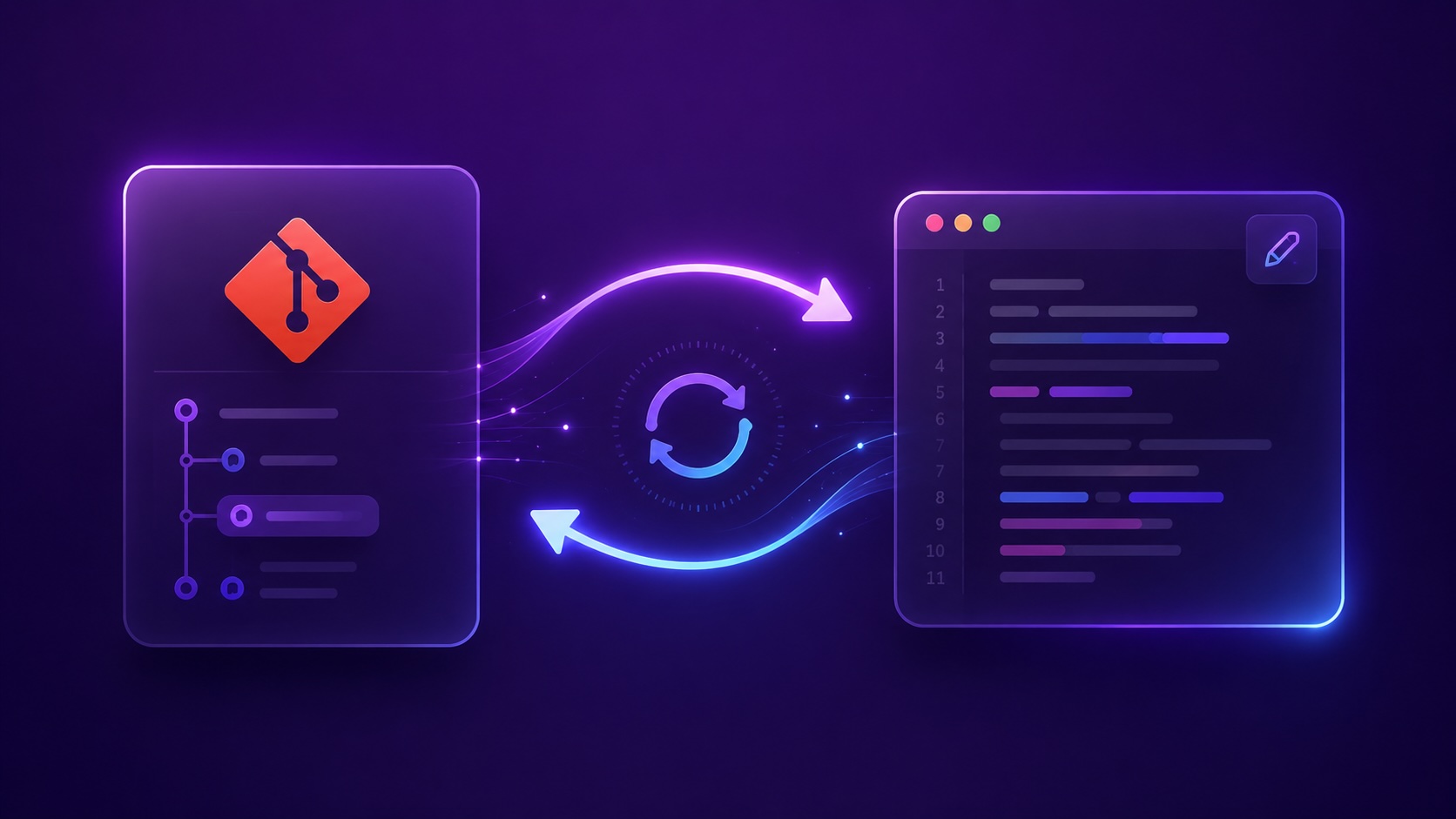
The fix isn't to abandon Git. Git is genuinely great for docs: history, review, blame, branching. The fix is to make sync two-way so both audiences can use the tool that fits them:
- Engineers keep editing in pull requests.
- Writers and support edit in a real editor, with approvals and history.
- Both directions reconcile automatically.
Two-way sync only works if it's conflict-aware. If two people change the same page in both places, the system must detect it and ask, not silently overwrite one side. A two-way sync that loses edits is worse than one-way.
Conflict-awareness is the hard part
Two-way sync is easy to draw and hard to do, and the entire difficulty is conflicts. Picture this: an engineer edits the Authentication page in a pull request to document a new login flow. The same afternoon, a writer fixes a broken link on that same page in the editor. Both changes are correct. Both are wanted. They touch the same file.
A naive sync picks a winner (usually "last write wins") and silently discards the other person's work. The engineer's flow docs vanish, or the writer's fix evaporates, and nobody finds out until a reader hits the broken thing again.
A conflict-aware sync refuses to guess. It detects that both sides changed the same page since they last agreed, stops, and surfaces the conflict for a human, the same way Git itself does when two branches touch the same lines.
Choosing a conflict policy
In doxbrix you pick a policy up front, so the system knows what you want before a conflict happens rather than improvising in the moment:
- Git wins: the repository is authoritative. Editor changes that conflict are flagged and held for re-application instead of being lost, so you keep the engineer's mental model (the repo is truth) without quietly dropping editorial fixes.
- Review mode: conflicting changes are held for a person to resolve before anything publishes. Best when writers and engineers both make substantive edits and you'd rather pause than auto-pick.
There's no universally correct choice; it depends on who edits most and how much you trust automatic reconciliation. The point is that you decide the rule, once, instead of discovering it the hard way.
Preview before you publish
Whatever policy you choose, you should never be surprised by what sync does. Preview the diff first (in both directions) so a stray force-push can't silently clobber a writer's correction and an editor save can't quietly revert a merged PR.
dxb sync --preview     # see exactly what would change, both ways
dxb sync               # reconcile once you're happy
The --preview output shows you, per page, what would move from repo to editor and from
editor to repo, and flags anything that conflicts. Nothing is written until you run it
for real. It's the difference between "I think sync is safe" and "I can see that it is."
What about plain Markdown merge conflicts?
If two engineers edit the same lines in two pull requests, that's an ordinary Git merge conflict and Git handles it the way it always has: review and resolve in the PR. Two-way sync doesn't replace Git's conflict resolution; it extends the same idea to the second door, the editor, so a conflict between a PR and an editor save is treated as seriously as a conflict between two branches. Same discipline, one more entry point.
The payoff: velocity and control
When sync is two-way and conflict-aware, you stop choosing between engineering velocity and editorial control. Engineers keep their pull-request workflow and their review gates. Writers and support keep their editor, approvals, and version history. Neither audience is locked out, and neither one's work gets silently overwritten.
And because every approved change (from either side) is immediately indexed for search and grounded AI answers, your help center and your assistant are always answering from the same up-to-date content your repo holds. No nightly re-index, no "did the docs site update yet," no drift.
That's docs-as-code without the chaos. Try it on your repo.