MkDocs with AI answers: agentify your existing docs site
Material for MkDocs gives you a beautiful docs site. Agentifying it gives readers cited AI answers, without touching mkdocs.yml or maintaining a plugin.
If your documentation runs on MkDocs, most likely with the Material theme, you already
have a setup worth keeping: a clean mkdocs.yml, Markdown files your whole team can edit,
and a build that runs anywhere. The missing piece is what happens when a reader has a
question instead of a keyword.
MkDocs search, and even the excellent search in Material for MkDocs, matches words. A reader who asks "why is my webhook not firing?" gets pages that contain the word webhook, ranked by relevance. The answer might be in the third result, under a heading they skip. Ten minutes later that same question lands in your support inbox.
What the plugin route really costs
The MkDocs ecosystem has plugins for almost everything, and that is part of its charm. But a chat plugin is not like a sitemap plugin. It needs an AI backend, an API key in your build or a service you host, prompt tuning so it stops making things up, and ongoing attention every time the model, theme, or MkDocs version changes. You wanted better answers for readers; you got a small AI platform to operate.
There is also a quieter problem: most chat widgets answer from a model's general knowledge, lightly seasoned with your content. Without grounding and citations, a confident wrong answer about your product is worse than no answer at all.
Agentify instead: same site, new capability
Connected Docs works with your MkDocs site as it is. You
connect the Git repository, doxbrix runs your build unchanged, and hosts the result. Your
mkdocs.yml, your Material palette, your nav tree, your URLs: all untouched. There is no
plugin in your build and nothing new in your repo.
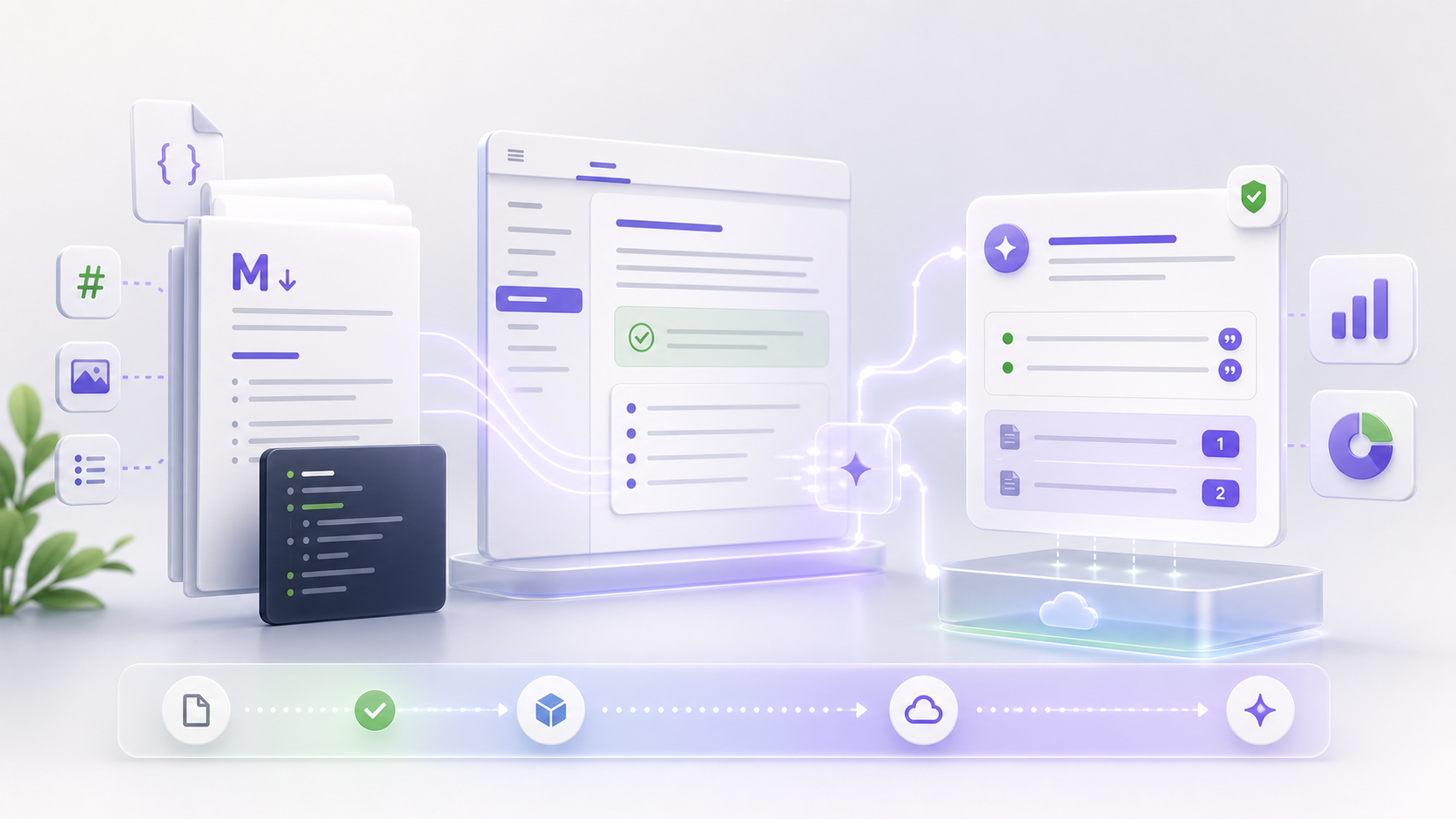
The hosted site is agentified: readers get an Ask AI entry that answers questions from your content with citations to the exact section. Ask "why is my webhook not firing?" and instead of a results list you get the actual answer, with a link to verify it.
Because doxbrix builds from your repo, every push updates the site and the assistant together. Your writing workflow does not change at all.
The part search can never give you: insight
A static MkDocs site tells you almost nothing about your readers. Page views cannot distinguish "found it instantly" from "gave up after scrolling". Once your docs are agentic, every question is a signal:
- You see what readers ask, phrased in their words, not your headings.
- Questions the assistant answered well are tickets that never happened.
- Questions it could not answer become a ranked list of documentation gaps.
That last one changes how you plan docs work. Instead of guessing what to write next, you work from a queue of real unanswered questions.
Try it with your own repo
If your site builds with mkdocs build, you are ready. Agentify your MkDocs
site: connect the repository, let the first build finish, and ask your own
documentation something hard. It takes minutes, and your mkdocs.yml never knows it
happened.