How to add an AI assistant to your Docusaurus site (without plugins)
You do not need a chatbot plugin or a migration to give your Docusaurus docs a cited AI assistant. Connect the repo and agentify the site you already have.
Docusaurus is one of the best ways to ship documentation. It is fast, versioned, themeable, and your docs live in Git next to the code they describe. What it does not do is answer questions. Readers still have to search, skim, and guess which page holds the thing they need, and when they guess wrong they open a support ticket.
The obvious fixes all have real costs.
The usual options, and where they fall short
Option 1: a chatbot plugin. There are community plugins that bolt a chat widget onto
Docusaurus. You now own an extra dependency in docusaurus.config.js, an API key in your
build, a prompt you have to tune, and a widget that can break on the next Docusaurus major
version. Most of these plugins also answer from whatever the model remembers, not from
your actual content, so wrong answers are common and there are no citations to check.
Option 2: Algolia DocSearch. DocSearch is genuinely good, and if you only need search you should use it. But search finds pages; it does not answer questions. "How do I rotate an API key?" returns a list of links, and the reader still has to open them and assemble the answer themselves. The last step of the journey, the actual answer, is still on the reader.
Option 3: migrate to an AI-native docs platform. This gets you answers, but the price is your whole setup: your theme, your swizzled components, your versioning, your URLs, and your docs-as-code review flow. For most teams a full migration is a quarter-long project that never gets prioritised.
The fourth option: agentify the site you already have
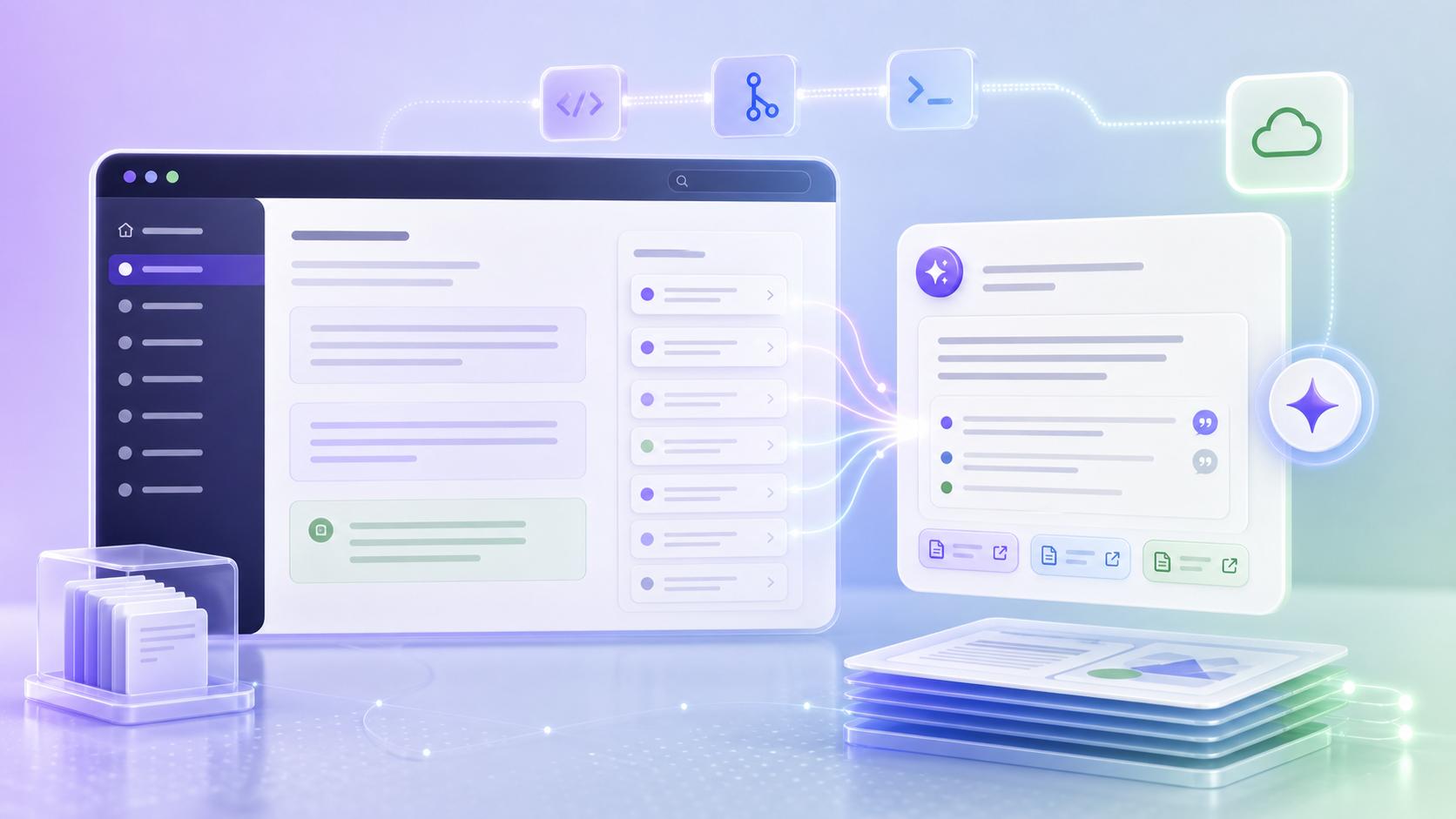
Connected Docs takes a different path. You connect the Git
repository behind your Docusaurus site, and doxbrix builds it exactly as it is. Same
docusaurus.config.js, same theme, same sidebars, same URLs. Nothing is rewritten and no
plugin is added to your build.
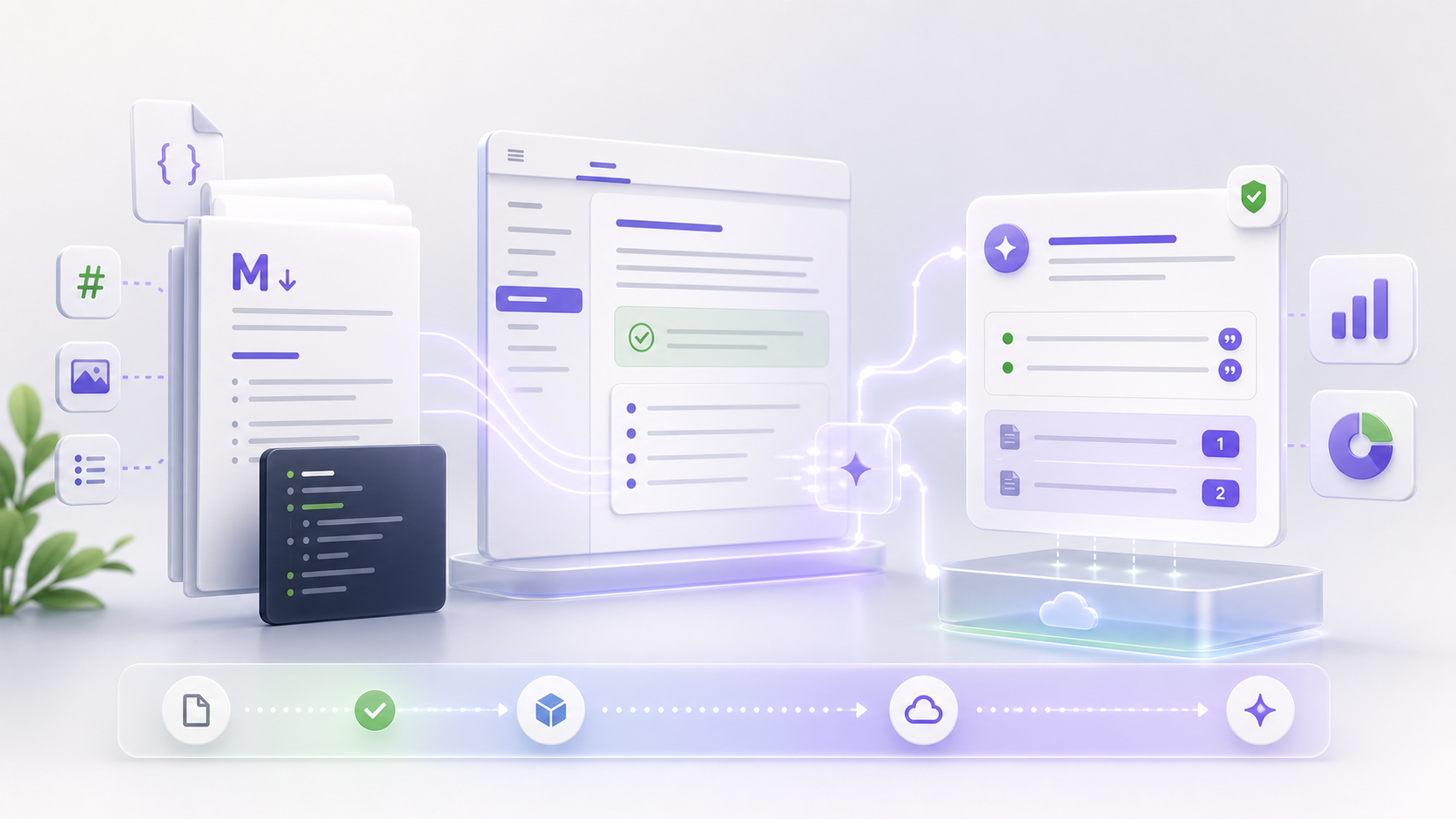
Then it agentifies the site: an Ask AI assistant appears in your pages, reads your built content, and answers reader questions in plain language with citations to the exact section the answer came from. When a reader asks something your docs do not cover, that question is recorded as a documentation gap, so you know precisely what to write next.
The whole thing takes minutes, not days:
- Connect your repo. GitHub or GitLab, public or private.
- doxbrix builds your site as-is. Your generator runs unchanged in an isolated build.
- It becomes agentic. The assistant adopts your theme so it feels native.
- It stays current. Every push rebuilds and re-indexes automatically.
Why grounded answers matter
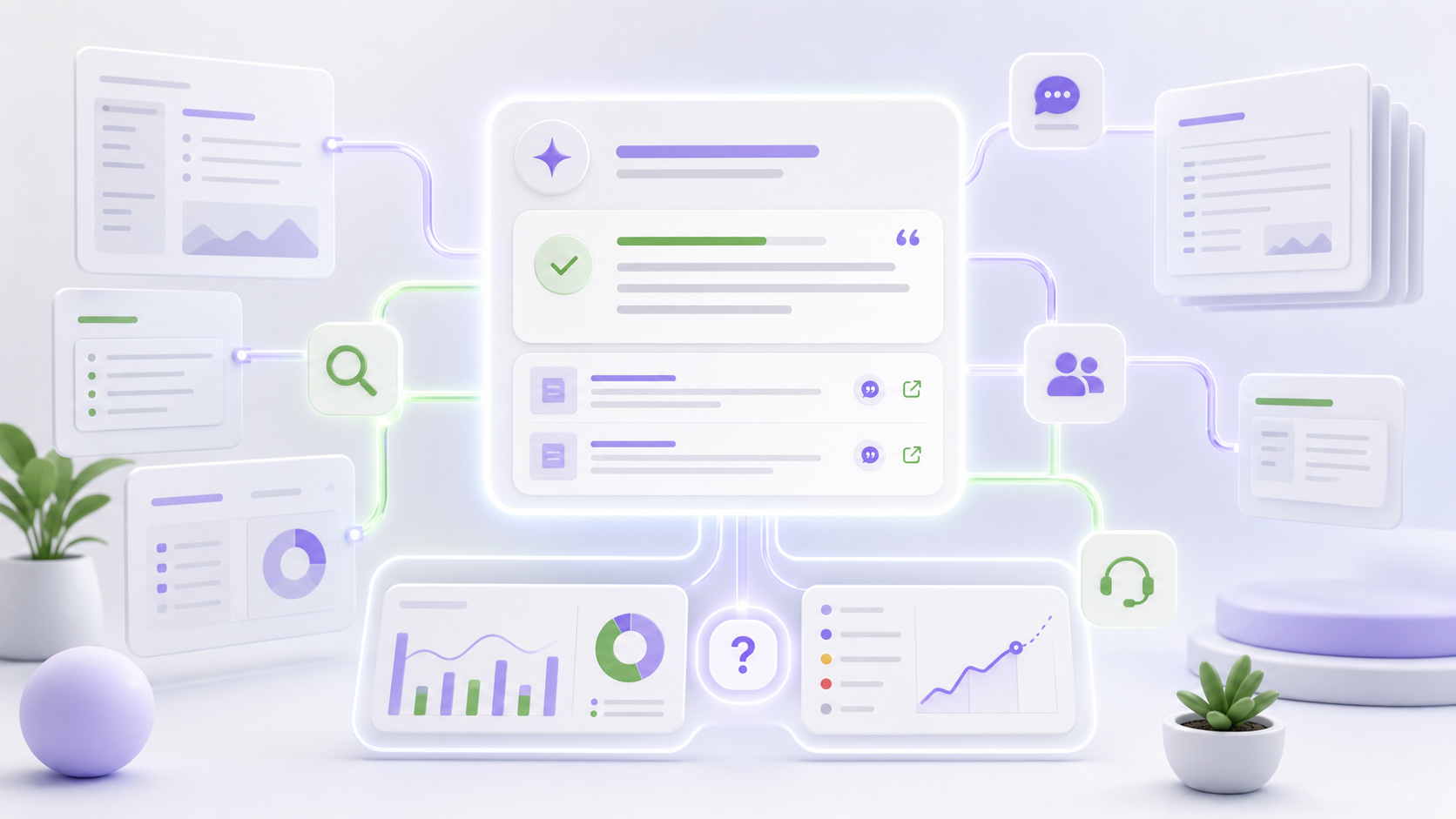
An assistant that answers from your documentation, and shows its sources, behaves very differently from a generic chatbot. It says "I do not know" when the docs do not cover something instead of inventing an answer. Readers can click the citation and verify. And because every question and answer is logged, you finally see what readers actually struggle with, which page views alone can never tell you.
Teams usually see two effects quickly: fewer repetitive tickets, because readers get unstuck inside the docs, and a ranked list of content gaps, because unanswered questions stop being invisible.
Keep your workflow
Your engineers keep writing MDX in pull requests. Your reviewers keep approving changes in Git. Docusaurus keeps building your site. The only difference is that the published site can now talk back.
If you run docs on Docusaurus, you can agentify your site in the time it takes to drink a coffee. Connect the repo, watch the first build finish, and ask your own docs a question.