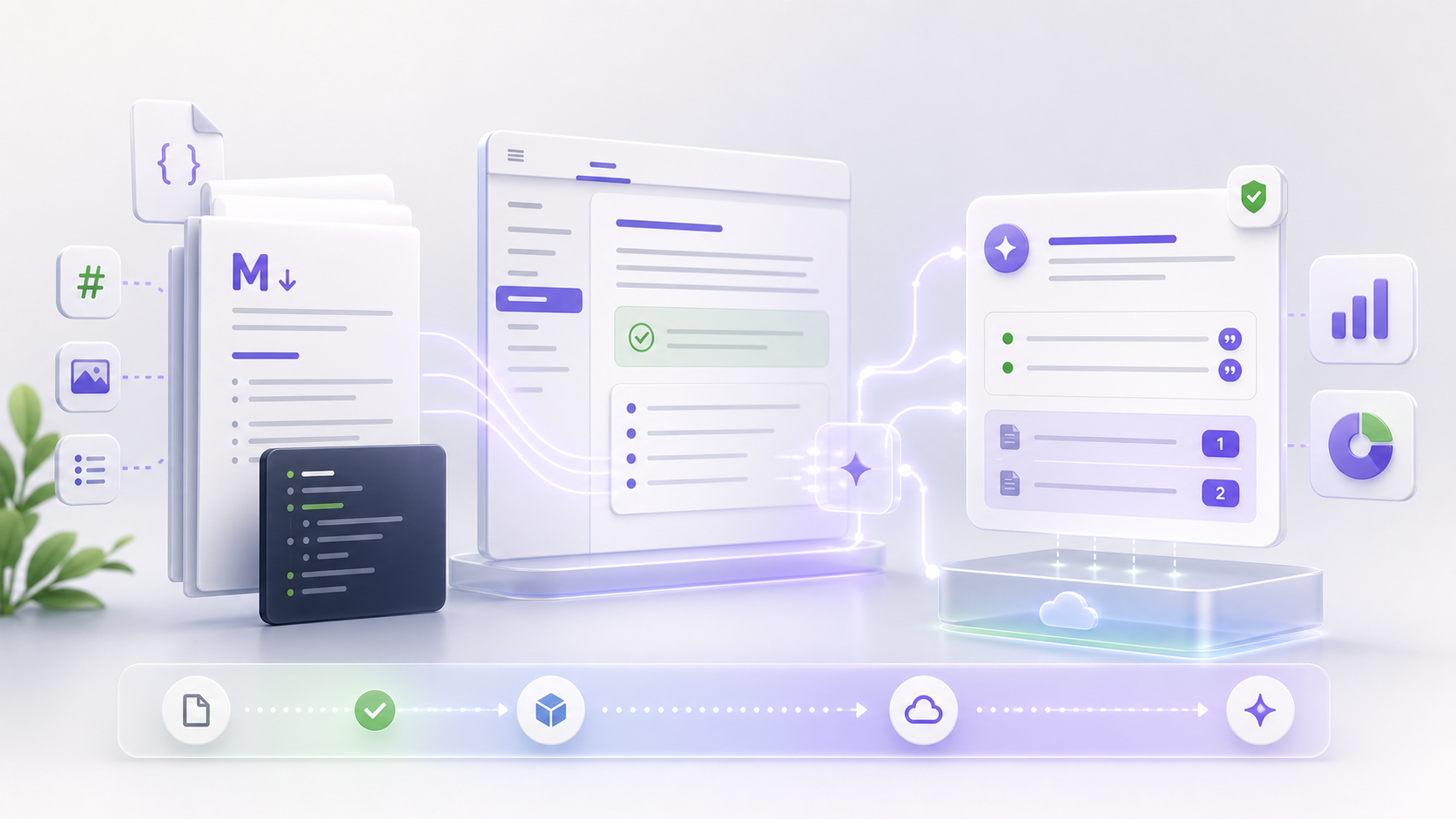
Introducing doxbrix: turn your docs into an agentic support engine
Documentation, grounded AI agents, search, workflows, and analytics in one workspace, here's why we built doxbrix, what it does on day one, and where it's headed.
Most documentation tools stop at publishing. You write a page, hit publish, and hope the right person finds it. But your readers don't want a page; they want an answer. And your support team doesn't want another wiki. They want fewer tickets.
That gap, between publishing content and delivering answers, is where teams quietly lose hours every week. Readers can't find the page that would have helped them, so they open a ticket. Support answers the same question for the fortieth time. The docs that would have prevented it sit one search away, perfectly written, completely unread.
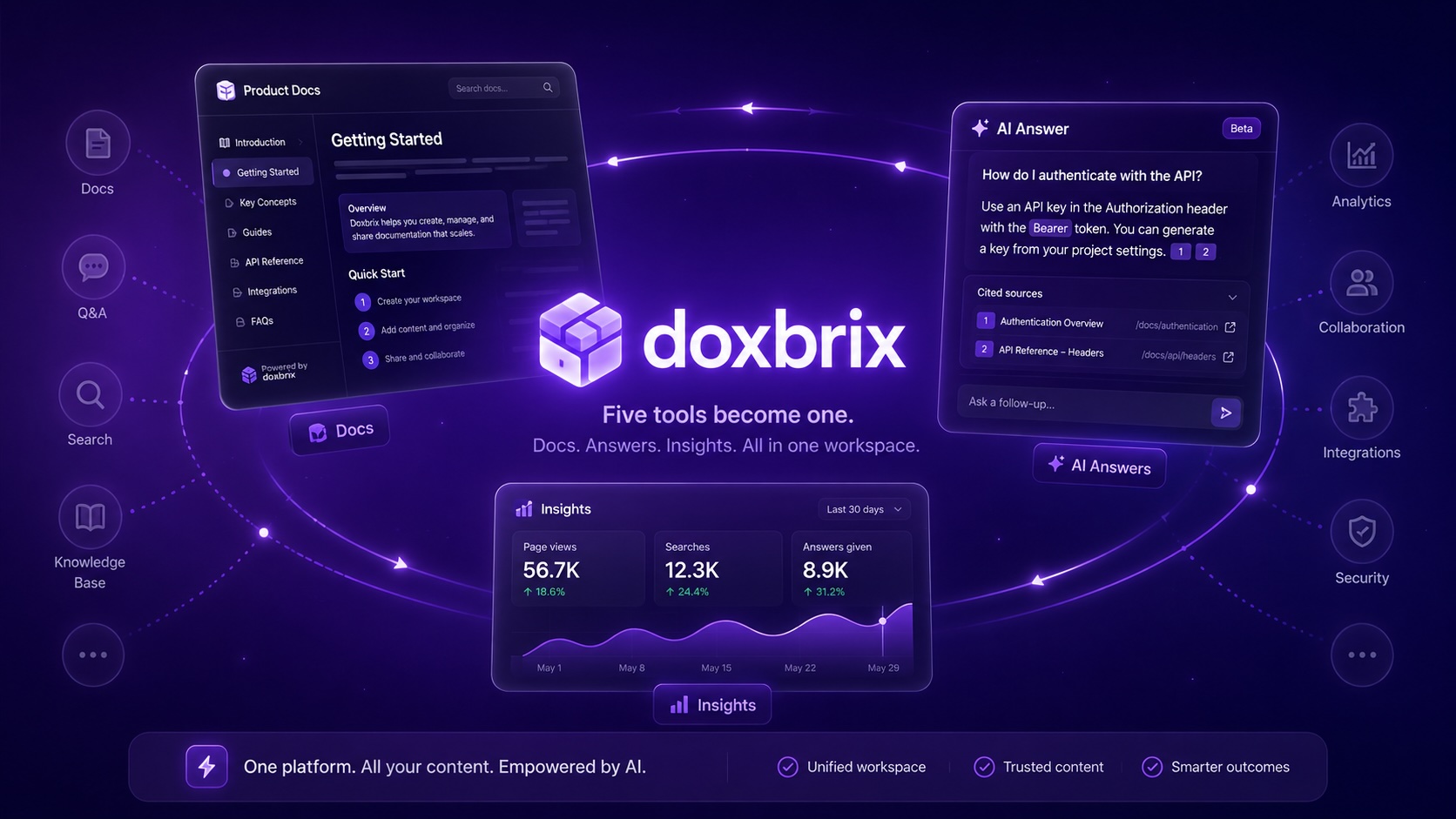
We built doxbrix to close that gap. It's one workspace where your documentation becomes a cited AI assistant, a branded help center, semantic search, a docs-health system, and a support-deflection workflow, without stitching five tools together.
The documentation stack is five tools that don't talk
Look at how most teams actually run docs today and you'll find a pile of disconnected products: a static-site generator for the docs, a separate search vendor, a chatbot widget bolted on top, a help desk for tickets, and a spreadsheet where someone tracks what's out of date. Each one is fine on its own. Together they leak.
The search index doesn't know what you just published. The chatbot doesn't know what support already answered. The analytics live in a tool nobody opens. And the moment a non-developer needs to fix a typo, the whole chain stalls because the only way in is a pull request.
Every integration between those tools is a place for content to fall out of sync, and every out-of-sync moment is a reader getting the wrong answer.
What you get on day one
doxbrix replaces that stack with one connected system. Here's what's live the moment you sign up:
- Grounded AI agents that answer from your approved docs, with real citations back to the source page, not hallucinated guesses. If the docs don't cover it, the agent says so and hands off instead of inventing.
- A branded help center that publishes from the same content, so your docs site and your AI answers are never two different versions of the truth.
- Two-way Git sync so engineers ship docs in pull requests while writers publish in the editor, and every change flows both ways without one side clobbering the other.
- Semantic search that understands intent, not just keywords. "How do I rotate an API key" finds the page titled Credential lifecycle, even with zero word overlap.
- Docs Health that surfaces what's broken, stale, or unanswered, before your readers hit it.
- Analytics that show what readers actually search for, which answers landed, and where they got stuck.
Everything is AI-ready the moment it's approved. There's no separate "index your content" step, sync a page and it's immediately searchable and answerable.
Why "agentic," not a chatbot
A chatbot bolted onto a help center reads like a search box with a personality. You ask a question, it pattern-matches against a model's memory, and it produces something plausible. Plausible is the problem; plausible-but-wrong is how a customer ends up following instructions for a feature you deprecated last quarter.
An agent does the job differently. It understands the question, retrieves the right passages from your approved documentation, answers using only that context, and cites the exact pages it used so the reader can verify. And when it genuinely can't resolve something, it hands off cleanly to a human, with the full conversation and the relevant docs already attached.
That handoff is the part most tools skip. Deflection isn't about refusing to escalate; it's about resolving what can be resolved and escalating the rest well, so the human who picks it up starts with context instead of a cold "how can I help?"
Grounded by design, not by accident
Grounding only works if the source is trustworthy, which is why doxbrix answers from approved content only, governed by the same review and publishing workflow your team already uses. Draft pages don't leak into answers. Deprecated pages stop being cited the moment they're unpublished. A new policy goes live everywhere (the help center, search, and the agent) the instant it's approved.
This is the difference between an AI feature you have to babysit and one you can trust in front of customers. You're never wondering whether the assistant is quoting a half-finished draft, because it structurally can't.
Built for teams that ship
doxbrix speaks docs-as-code natively. You can drive the whole thing from the CLI:
dxb push        # publish your local docs
dxb sync        # reconcile with your Git repo, both directions
dxb status      # see what's changed, stale, or waiting for review
…or stay entirely in the editor with approvals, version history, and role-based publishing. Engineers keep their pull-request workflow; writers and support keep a real editor. Both paths reconcile, so neither side goes stale and nobody is locked out of fixing a typo.
Catch problems before your readers do
Most teams find out a doc is wrong when a customer complains. Docs Health flips that around. It continuously scans your content for the signals that predict a bad reader experience, broken links, stale pages that haven't been touched since a feature changed, thin pages with no real content, questions your readers asked that nothing answers, and ranks them so you fix the highest-impact problems first.
It turns "our docs are probably out of date somewhere" into a concrete, prioritized list you can actually work through.
Analytics that close the loop
You can't improve what you can't see. doxbrix shows you the questions readers ask, which ones the agent answered confidently, which ones it punted on, and which pages do the heavy lifting. The gaps (questions with no good answer) become your docs backlog. The loop closes: readers ask, you see the gaps, you write the page, the next reader self-serves.
Where we're headed
This is the foundation. Over the coming releases we're deepening multimodal answers, yes, answers about diagrams, screenshots, and PDFs, not just text, along with richer support workflows, deeper analytics, and an MCP server so your docs become a first-class tool for any AI agent your team builds.
The throughline doesn't change: your documentation should do something. It should answer questions, deflect tickets, and tell you where it's falling short. That's what doxbrix turns it into.
We'd love for you to try it. Start free and turn your docs into something that actually answers.